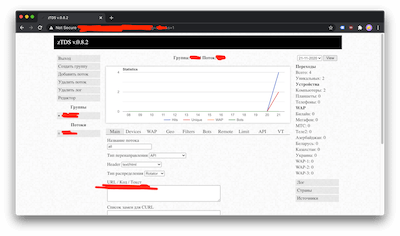
Download zTDS
Click the button below to download the latest version of zTDS:
How to Install and Configure zTDS
zTDS is a free Traffic Distribution System (TDS) that helps you route traffic to different destinations based on visitor properties: geo-location, IP address, browser type, and many other parameters. Perfect for affiliate marketing and traffic arbitrage.
Installing zTDS
Go to this link and create an account.
Choose the most affordable hosting plan or VPS. Buy a domain or create a free one for your TDS, and link it. It is recommended to hide the real IP of your TDS, for example using Cloudflare.
Upload the zTDS zip archive to your server and install it as a site.
Go into the folder and open config.php (right-click, then select "Edit").
Edit the login and password (the password must be MD5-hashed). In the $folder variable, enter the folder name — in our case, myzts.
Be sure to generate a new API key.
Open yourdomain.com/myzts/admin.php in your browser, where myzts is the name of your folder.
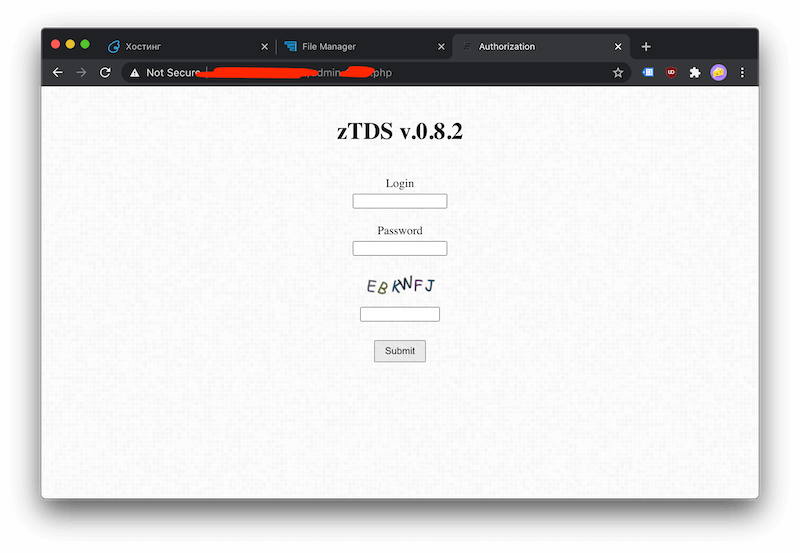
Done — you are brilliant!
Configuring zTDS
Log in and you will be taken to the group creation screen.
Give it any name in the "Group name" field. In "Group identifier", enter the string you will append to the TDS link. In "URL / Code / Text", enter the destination URL where you want to send traffic. Other fields are optional — we filled in only the minimum required for the first test.
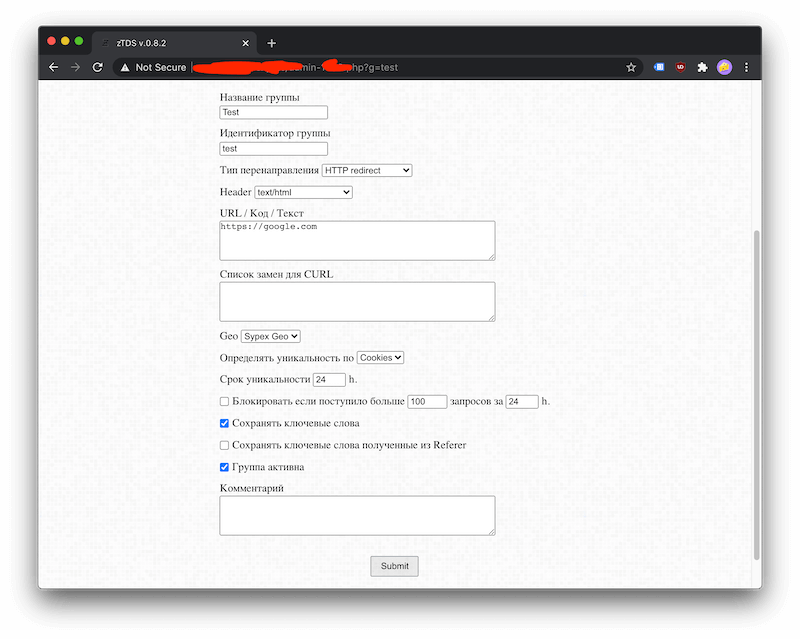
Test it. Open yourdomain.com/myzts/test in your browser. A redirect to google.com should trigger.
If it works — congratulations! If something went wrong — ask ChatGPT or Claude, they will help.
API usage is covered in the script documentation.
Comments, Reviews, Tips & Help with zTDS
This is not a forum — you will get fast help here with zTDS setup issues. Leaving a review of the TDS is also very welcome. Feel free to suggest alternatives, with reasons.
UPDATE: We got tired of cleaning spam, sorry. Ask ChatGPT or Claude, they will help.